A familiar profile on this device
Assign this device to a chosen profile for app start. A separate PIN can protect profile switching while Home, app exit and Stop remain available.
 TiviNerd
TV, ON YOUR TERMS
Your media, together. Browse films and series, watch television from your own sources, and keep everything organised with a clear programme guide and profiles for the whole family.
You bring the content. We take care of the player.
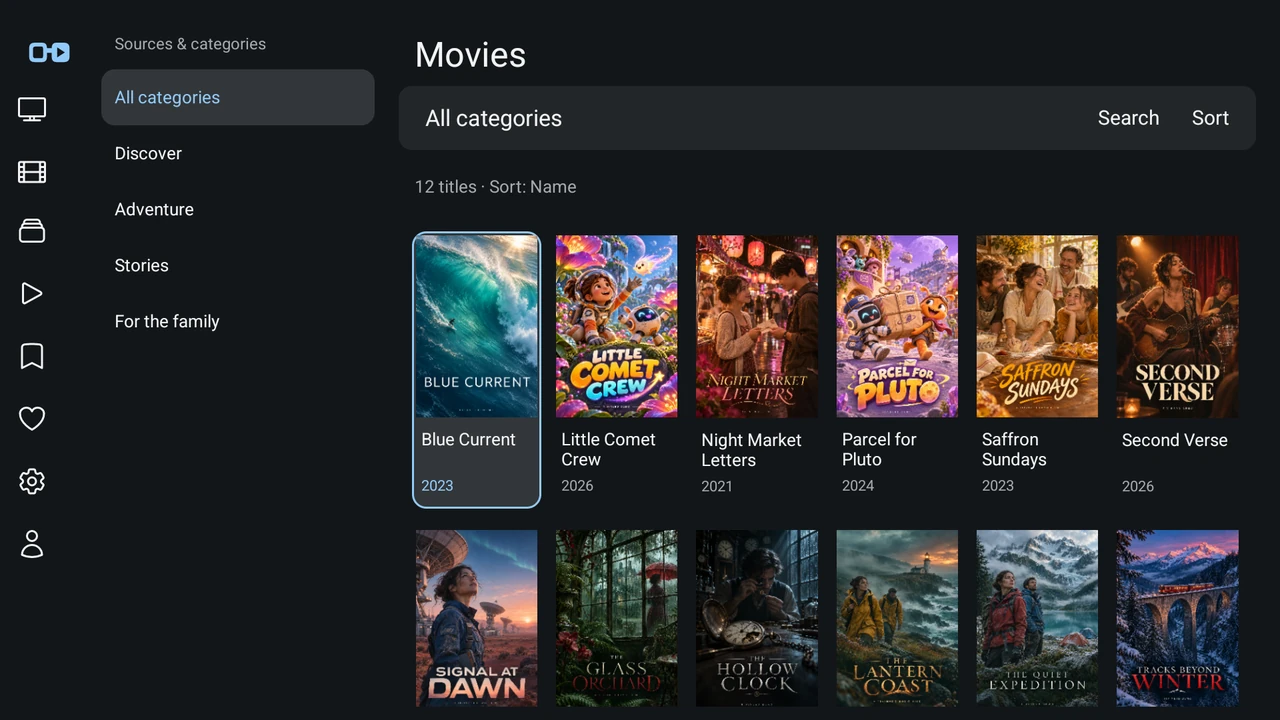
AT HOME ON YOUR SCREEN
Your remote sets the pace. Your content stays centre stage.
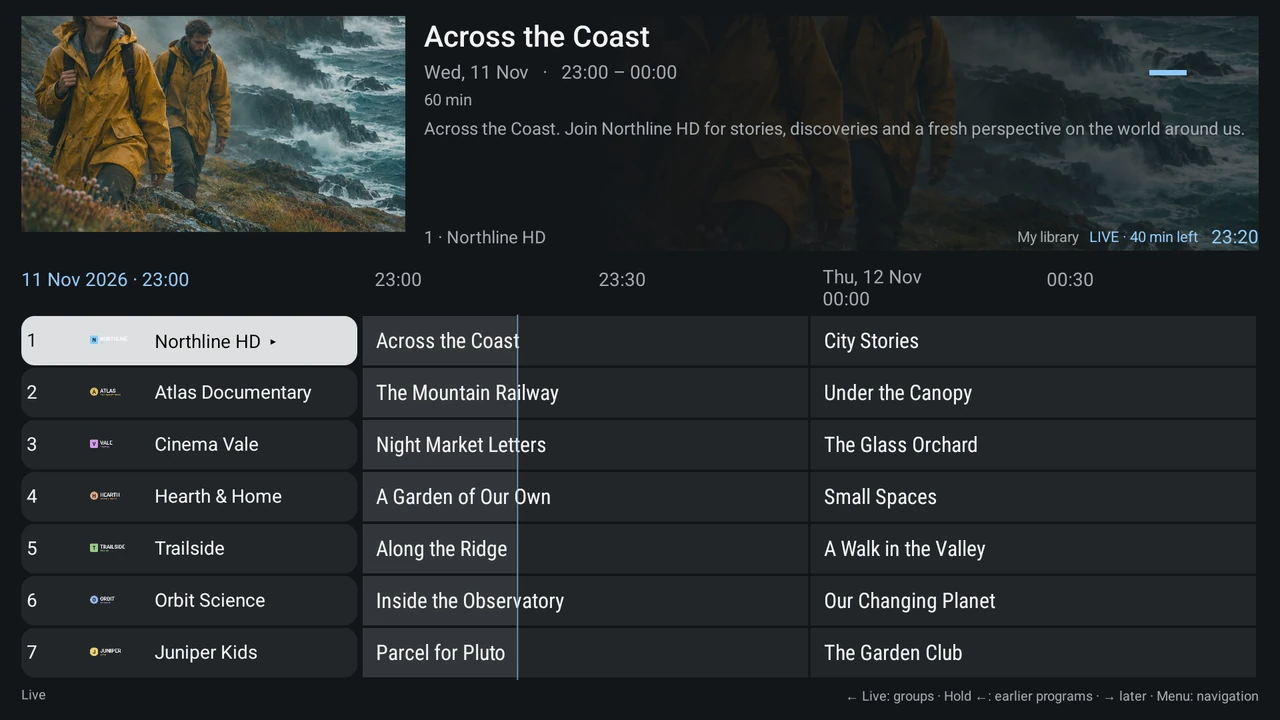
Channel groups, favourites and the programme guide bring your TV together. Browse the schedule while the preview keeps playing.
Categories, your watchlist and playback progress bring order to large collections. The next episode is always within reach.
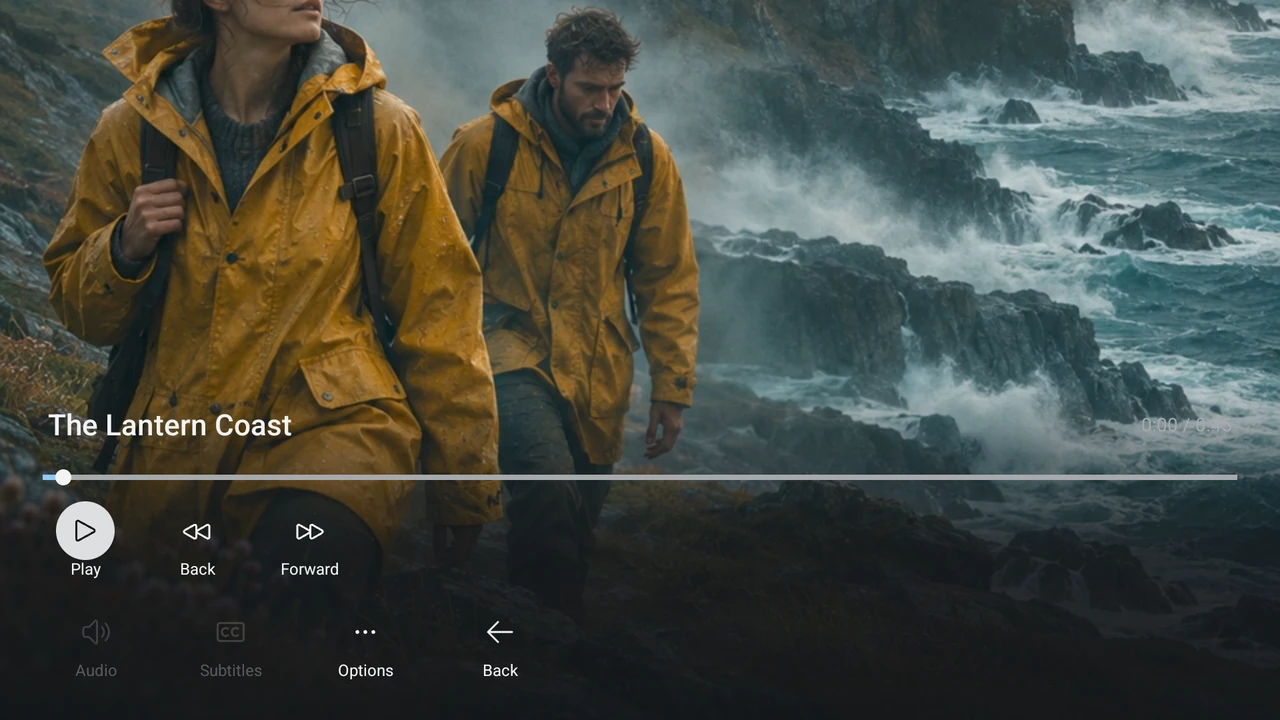
Pause, the timeline and essential controls are right there. You decide when to carry on.
FOR YOUR WHOLE HOME
Each profile has its own favourites. You decide which content and settings each profile can access.
See how it comes together ↗ Alex
 Sam
 Kids
MAKE IT YOURS
Start with a theme. Then make its colours your own. The same guide, categories and remote controls stay right where you know them.


Actual app screenshots with fictional demo content. Change accent, background, panel and focus colours within each theme; text size, contrast and reduced motion remain separate choices.
COMFORT BY PROFILE
Choose a theme, adjust its colours and keep personal text size, contrast, motion and control timing preferences.
Assign this device to a chosen profile for app start. A separate PIN can protect profile switching while Home, app exit and Stop remain available.
Native control labels support the Android screen reader when it is enabled on the device. TiviNerd does not enable system speech or change your volume. Physical screen-reader testing is still in progress.
OPEN TO YOUR SOURCES
TiviNerd does not supply channels or content subscriptions. Connect sources you are entitled to use.
Connect your server for Live TV and its movie and series libraries. Supported server features appear where you need them.
Set up your own account or playlist. A separate XMLTV guide can add programme listings.
Your self-hosted movies and series, plus native Live TV and guide data. Server recording management depends on your account permissions and server version.
Connect your own movie and series libraries with your Emby account. Live TV and DVR require Emby Premiere and server permissions; their integration is still being qualified.
A compatible FRITZ!Box shares free-to-air cable channels on your home network. Playback and reception depend on the model, firmware and network.
Find available channel lists by location. Lists and programmes depend on your region and participating services.
Native Live TV, programme guide and server recording management. Choose HTTP/API or HTSP according to your server configuration.
An experimental native connection for Live TV, programme data and server recordings. Server version and account permissions apply.
Connect a compatible HTTP tuner or server emulator. Programme listings can come from XMLTV; hardware-specific reception and protected channels require separate support.
SET UP ONCE. FEEL AT HOME EVERYWHERE.
Use the local Sync service to manage sources, profiles and favourites in one place. Players download their own content.
Device settings, VPN, audio and large image or programme caches stay on each device.
Your homeProfiles · Sources · FavouritesAT HOME ON YOUR SCREEN
Made for TV and a remote.
Touch controls on tablet and phone.
Private desktop previews with mouse and keyboard controls. Not generally released yet.
A separate Docker-based browser player, currently in private testing. Browser formats and server capabilities apply.
BUILT TO KEEP GETTING BETTER
Monthly or yearly. Supporting continued development, maintenance and support for TiviNerd.
KEEP IT FLEXIBLE
$2.99 USD / month
For up to 5 registered playback devices.
Subscriptions are not on sale yetA YEAR OF YOUR TV
$9.99 USD / year
For up to 5 registered playback devices.
Subscriptions are not on sale yetEach additional pack of 5 playback devices adds $1.00 USD per month or $9.99 USD per year.
Your local Sync server does not use a playback-device slot.
All prices are in US dollars. Planned subscriptions, not available to purchase yet. No one-time purchase. Channels, movies, series and provider accounts are not included. Provider connection limits are separate from device slots.
GOOD TO KNOW
No. TiviNerd is a player. You set up your own authorized sources; the app does not sell channel packages or media content.
The planned base subscription includes 5 playback devices for $2.99 USD per month or $9.99 USD per year. Additional 5-device packs add $1.00 USD monthly or $9.99 USD yearly. Subscriptions are not on sale yet.
No. The planned 30-day free trial requires no payment details. It does not automatically become a paid subscription.
No. The local Docker service is an optional way to manage settings centrally. You can also set up the app on its own.
Yes. An administrator manages profiles and permissions. Favourites and access stay separate; missing age ratings are not automatically approved in restricted profiles.
That depends on the source, network, supported formats and device performance. FRITZ!Box hardware and desktop prototypes still have separate testing limitations.
Recurring subscriptions support continued development, maintenance and support. The launch date and full subscription terms will be announced before purchases become available.